Talk, don’t type.
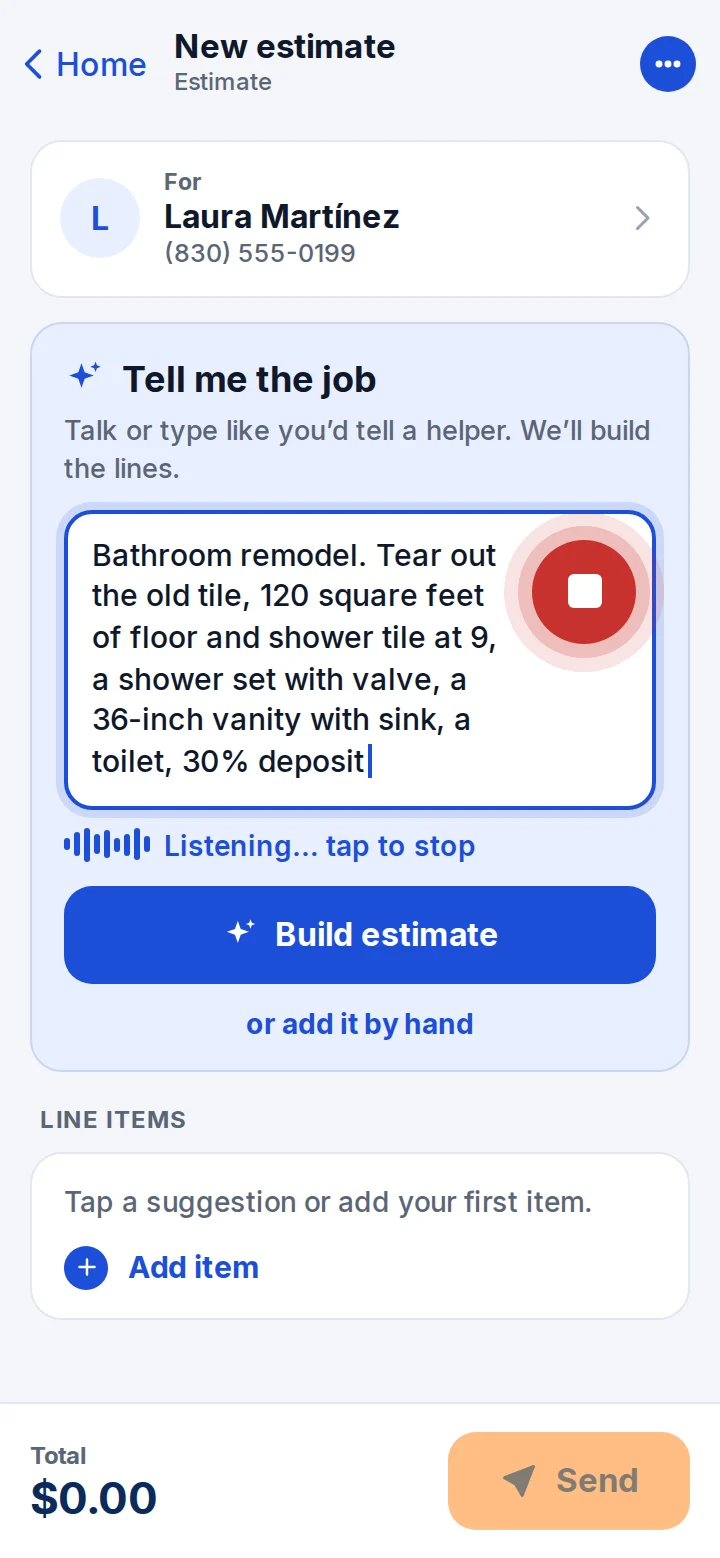
Say it like you’d tell a helper. The AI builds the estimate and learns your prices every time you fix one.


Say the job and the AI builds the estimate. Your client signs with a finger and pays by card. The money lands in your bank account.
Free to start. On your phone or computer. No credit card.
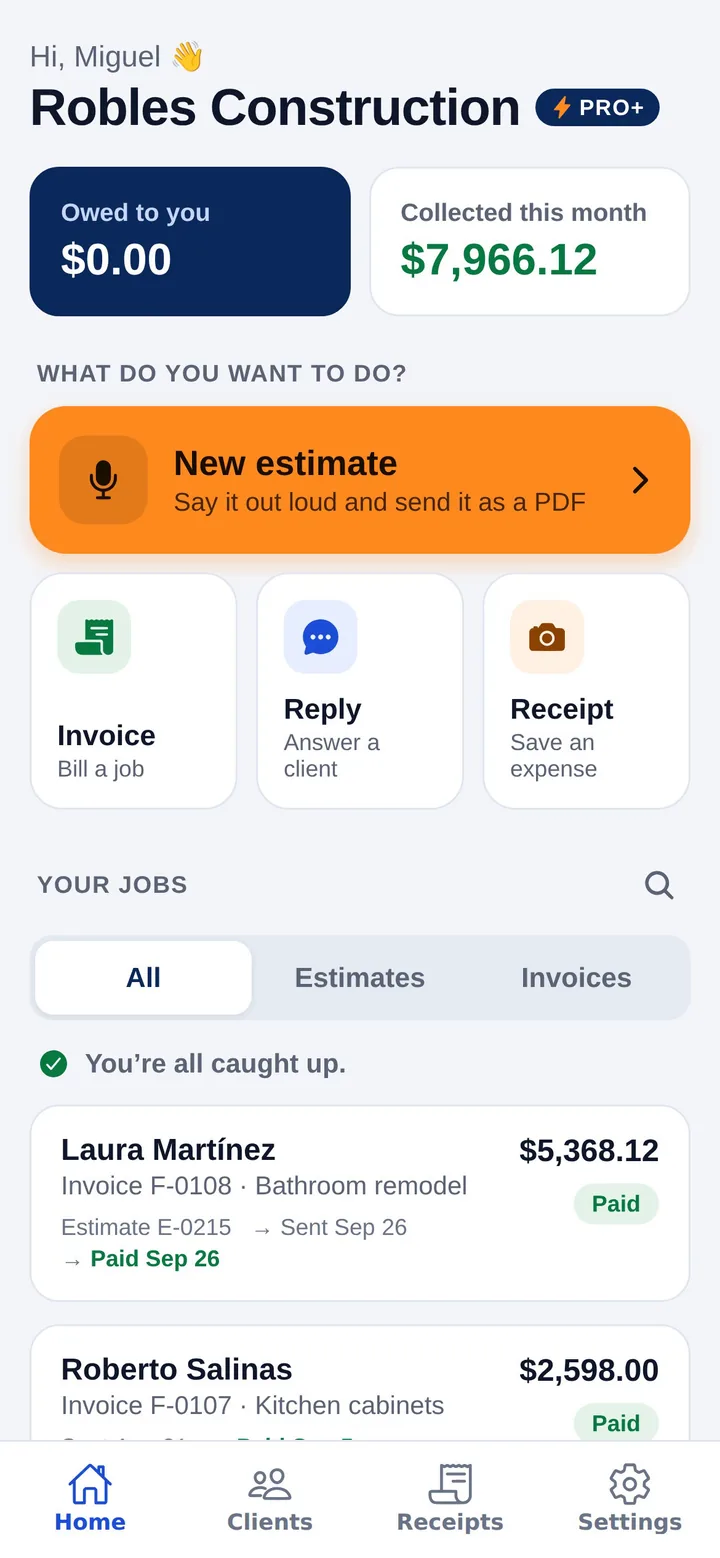
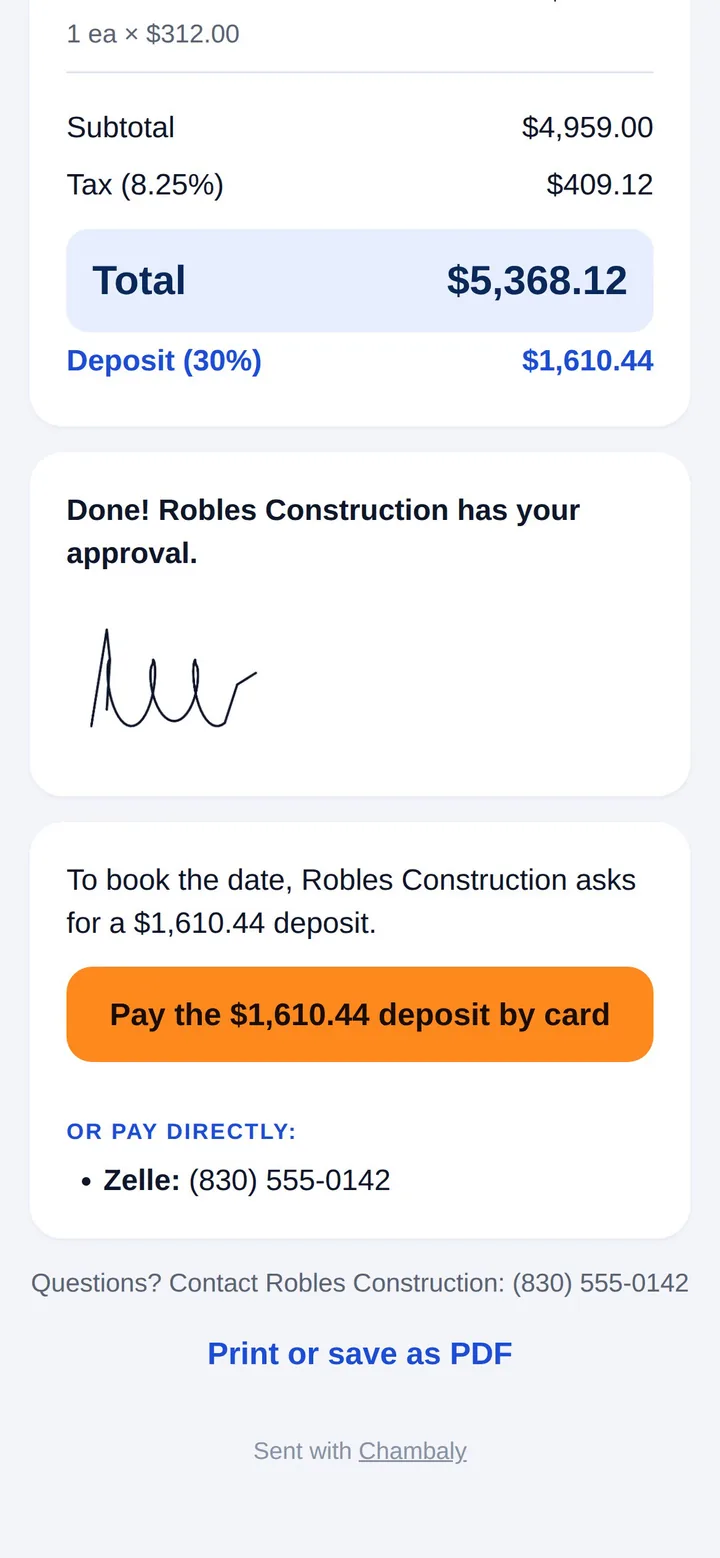
One flow. Every step happens on your phone, or your client’s.
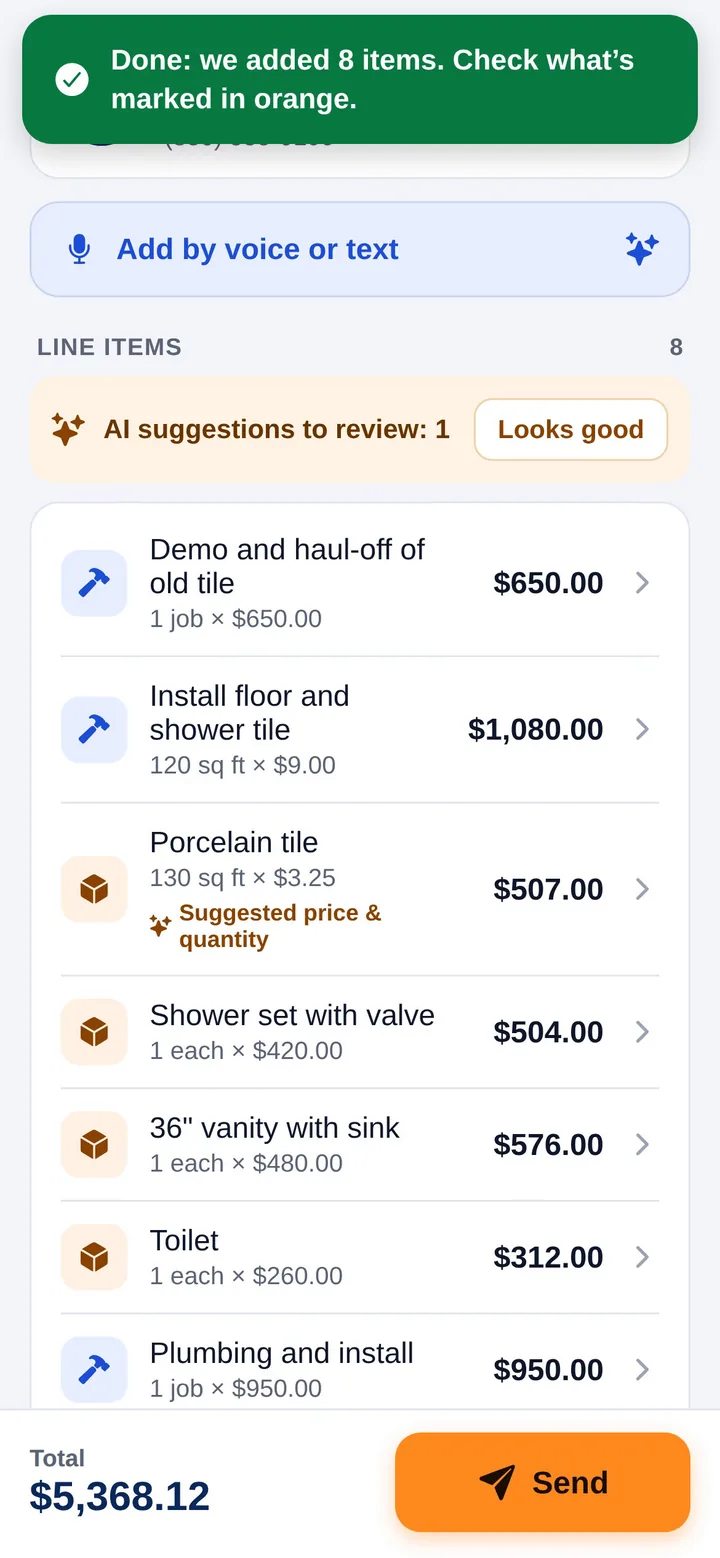
The AI writes every line: labor, materials and prices.
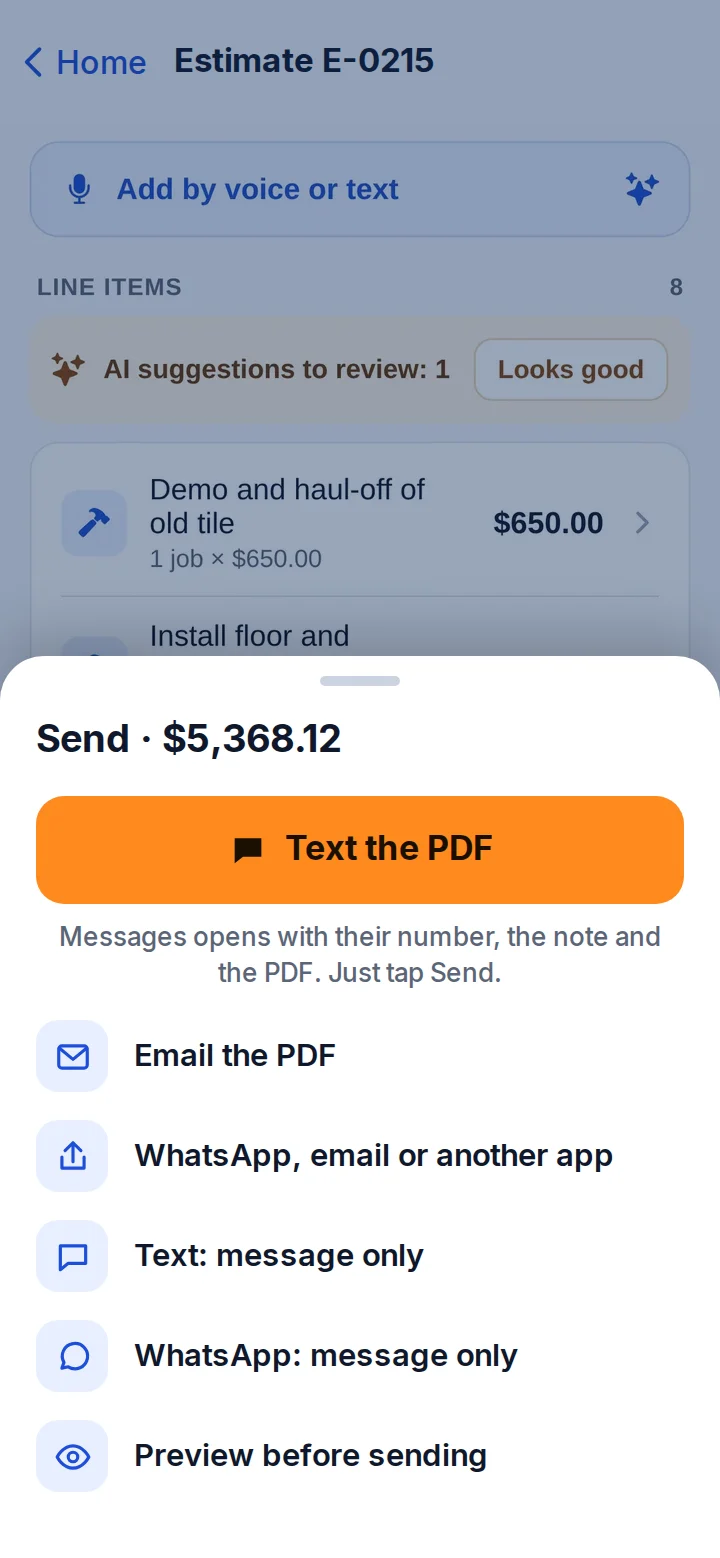
Your client gets a clean estimate and a link, by text or email.
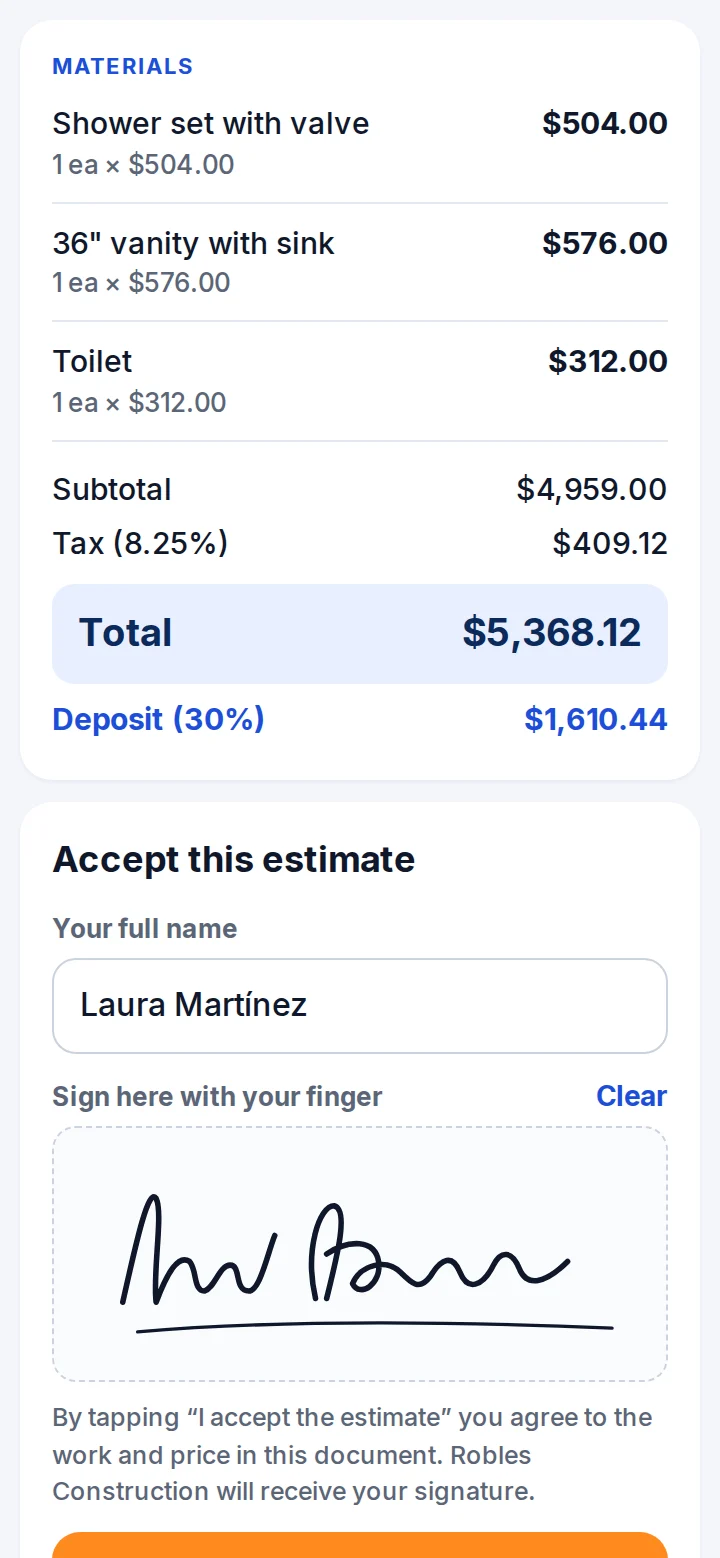
With a finger, right on their phone.
The deposit or the invoice, by card or bank.
Stripe deposits it in your bank. You see it in the app.
Swipe to see every step
Your client opens the link, taps Accept and signs right on their phone. No printing, no app, no account. You get an email the moment they sign, and they can pay the deposit on the spot.
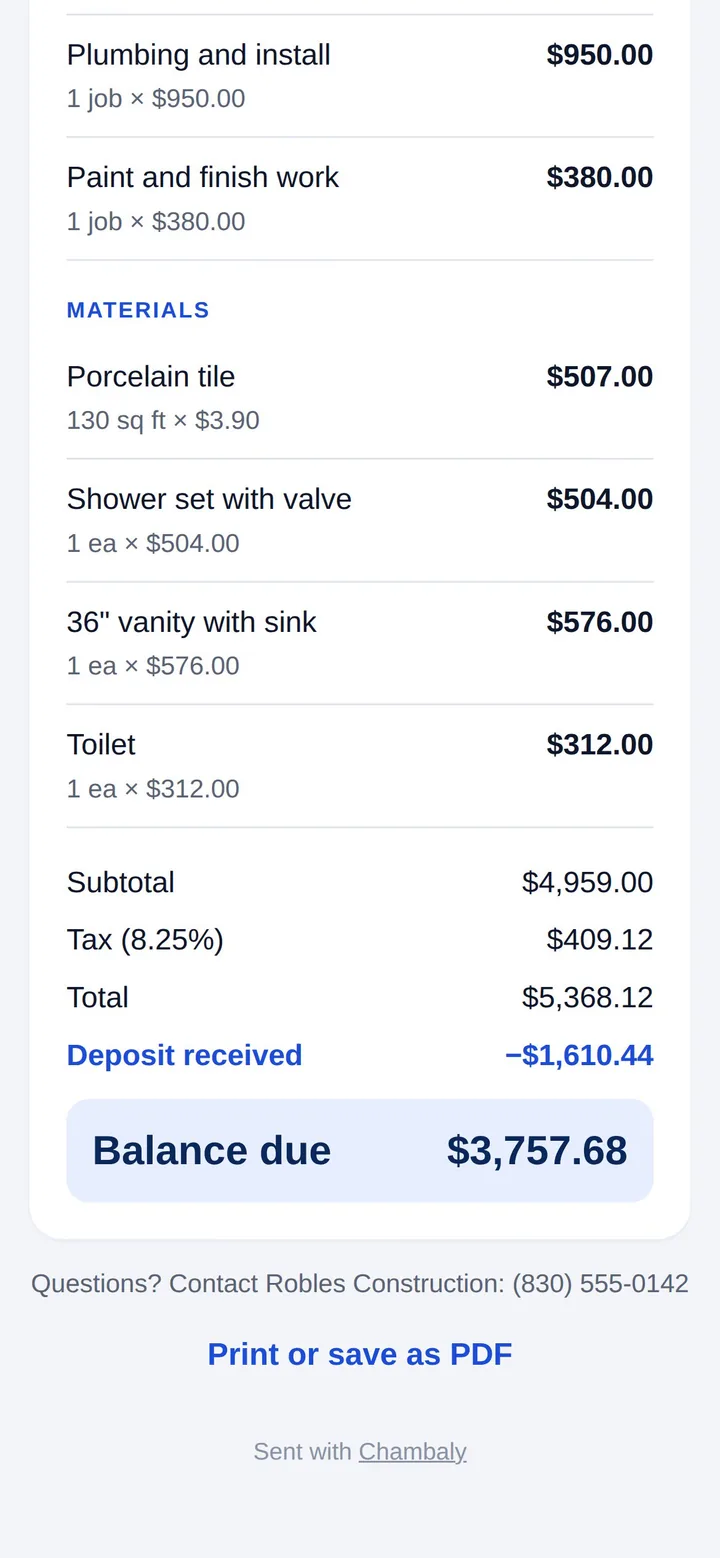
Every invoice gets a Pay button. Your client pays by card or from their bank in one tap. Stripe deposits the money in your account, and the invoice marks itself paid on every device.
Fees come out of each payment. Your first payout takes 7 to 14 days; after that it’s faster.
How getting paid works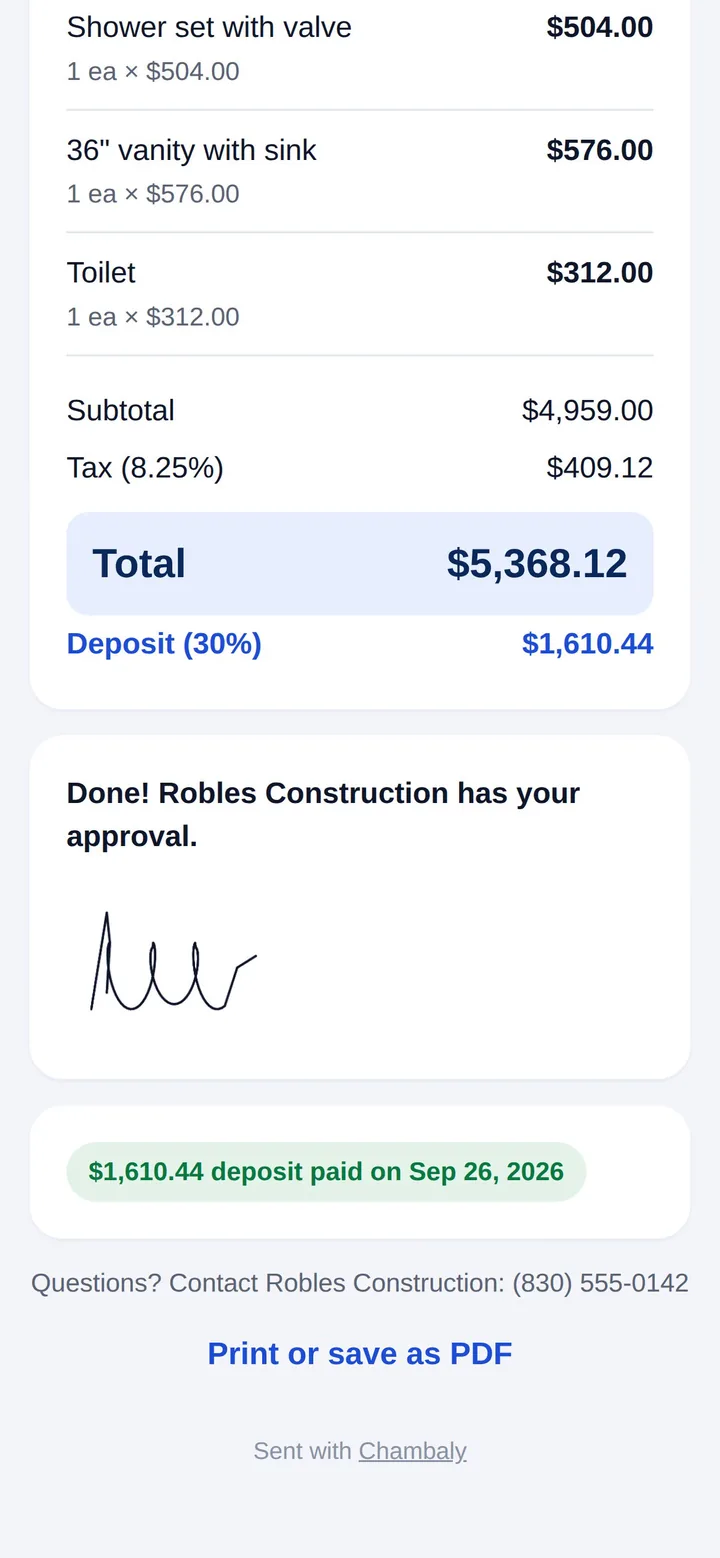
When an invoice is late, Chambaly emails your client from your business name. Friendly first, then firm, then a final notice. It stops the moment they pay.
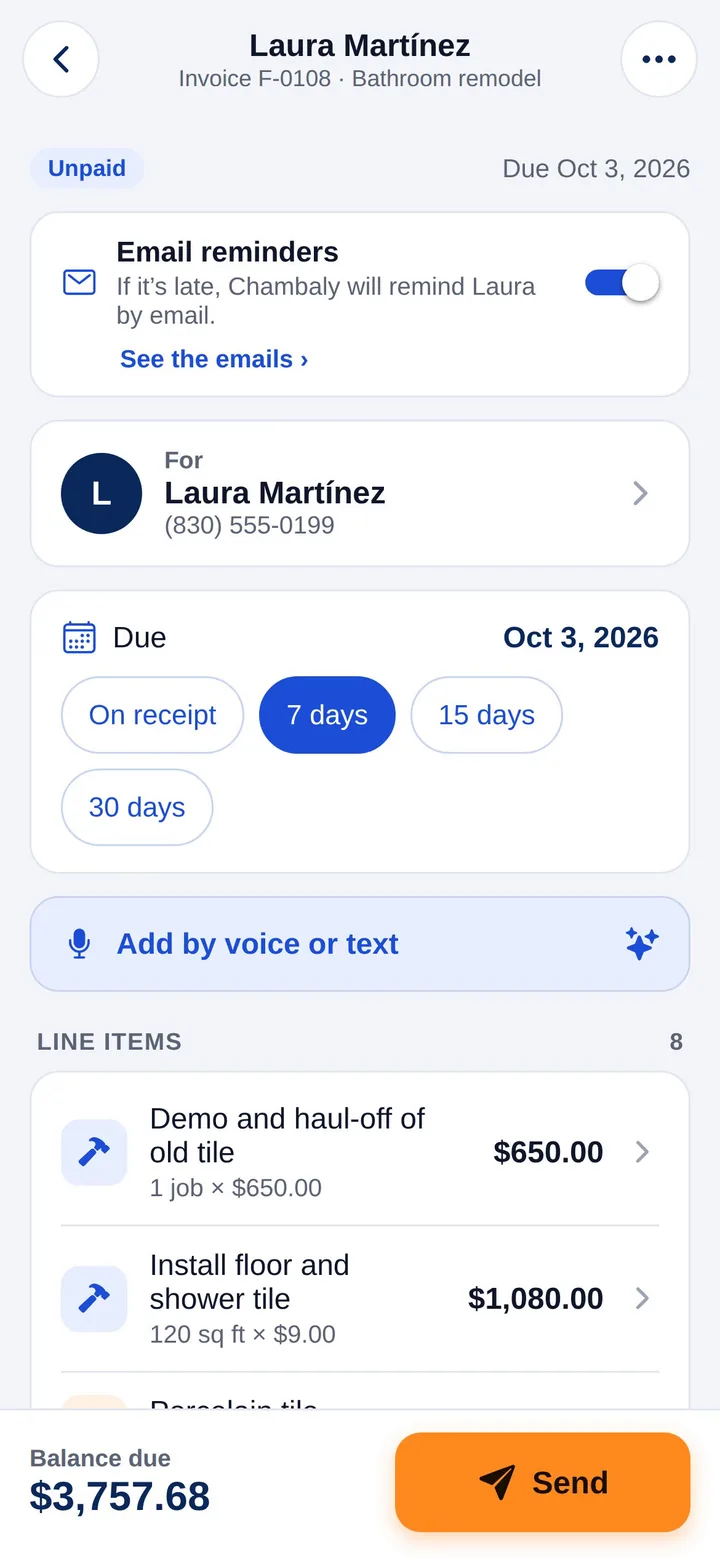
Take a deposit when they sign, then bill the rest as the job moves: 50/50, 30/40/30 or 50/40/10. The deposit comes off the invoice by itself, so your client only sees the balance.
Say it like you’d tell a helper. The AI builds the estimate and learns your prices every time you fix one.
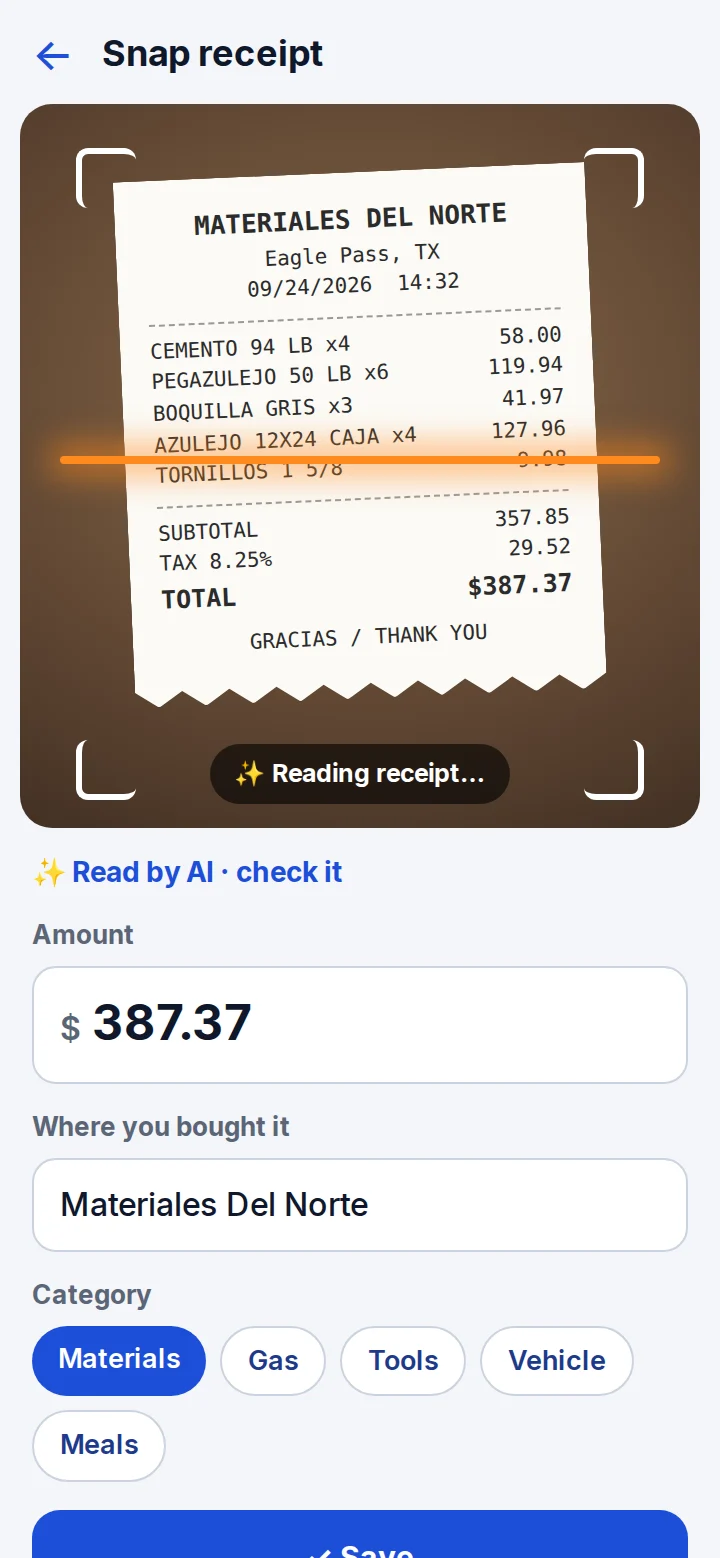
Snap it. The AI reads the store, the total and the category.
Income, expenses and receipt photos in one PDF for your accountant.
Your client pushes back. You get a clear, kind answer.
Scope of work and payment terms, so there are no surprises.
Your documents, with no Chambaly branding.
Your markup sits inside the price.
Write it in one, send it in the other.
Card and bank payments go through Stripe’s secure checkout.
Chambaly never sees them.
Stripe pays out to your own account. The first payout takes 7 to 14 days.
They show on your invoices too, however your client likes to pay.
The free plan is the door. When the jobs come in, Pro+ gets you paid.
No credit card.
About $5 a month. Or $9.99 monthly.
About $15 a month. Or $29.99 monthly.
Prices in US dollars. On the web you pay by card through Stripe; in the apps, through the App Store or Google Play. Renews automatically until you cancel. Your plan works on every device you sign in on. Pro+ payments: Stripe charges 2.9% + 30¢ per card payment or 0.8% ($5 max) per bank payment, and Chambaly 0.5%, taken from each payment. Phone alerts on collection day are in the iPhone and Android apps.
Yes. Open app.chambaly.com on your phone or computer and sign in with your email. The Android app is on Google Play now and the iPhone app is coming soon. Your account works in all of them.
Yes. You get 3 estimates or invoices free every month, with AI help. When you need more, Pro is $9.99 a month or $59.99 a year. Pro+ is $29.99 a month or $179.99 a year.
Pro helps you make and send: unlimited estimates and invoices, your logo, receipts and AI replies. Pro+ adds getting paid: clients accept and sign online, pay by card or bank from the invoice, get reminded when they’re late, and big jobs can be paid in parts.
With Pro+, every invoice has a Pay button. Your client pays by card or from their bank, and Stripe sends the money to your bank account. To set it up you need your ID, your SSN or ITIN (no EIN needed) and your bank account. Stripe charges 2.9% + 30¢ per card payment or 0.8% (up to $5) per bank payment, and Chambaly 0.5%. Zelle, Venmo and cash still work too.
Just your email. We send you a code and you’re in. Your work is saved to your account, so it’s on every phone and computer you use and isn’t lost if your phone breaks.
The AI is optional and the app asks once before using it. What you type or say for an estimate is sent securely only to process it and isn’t kept on our server. Details are in our privacy policy.
No. It’s for anyone who has to answer “how much?”: painters, plumbers, cleaners, landscapers, mechanics, bakers, stylists, photographers, movers and more.
Free to start. On your phone or computer. No credit card.
Made in Texas by Possibilitas LLC. Questions? A real person answers at soporte@chambaly.com
Screens from the app with a sample business.