Free Estimate Generator: Make a Professional PDF Estimate in Minutes
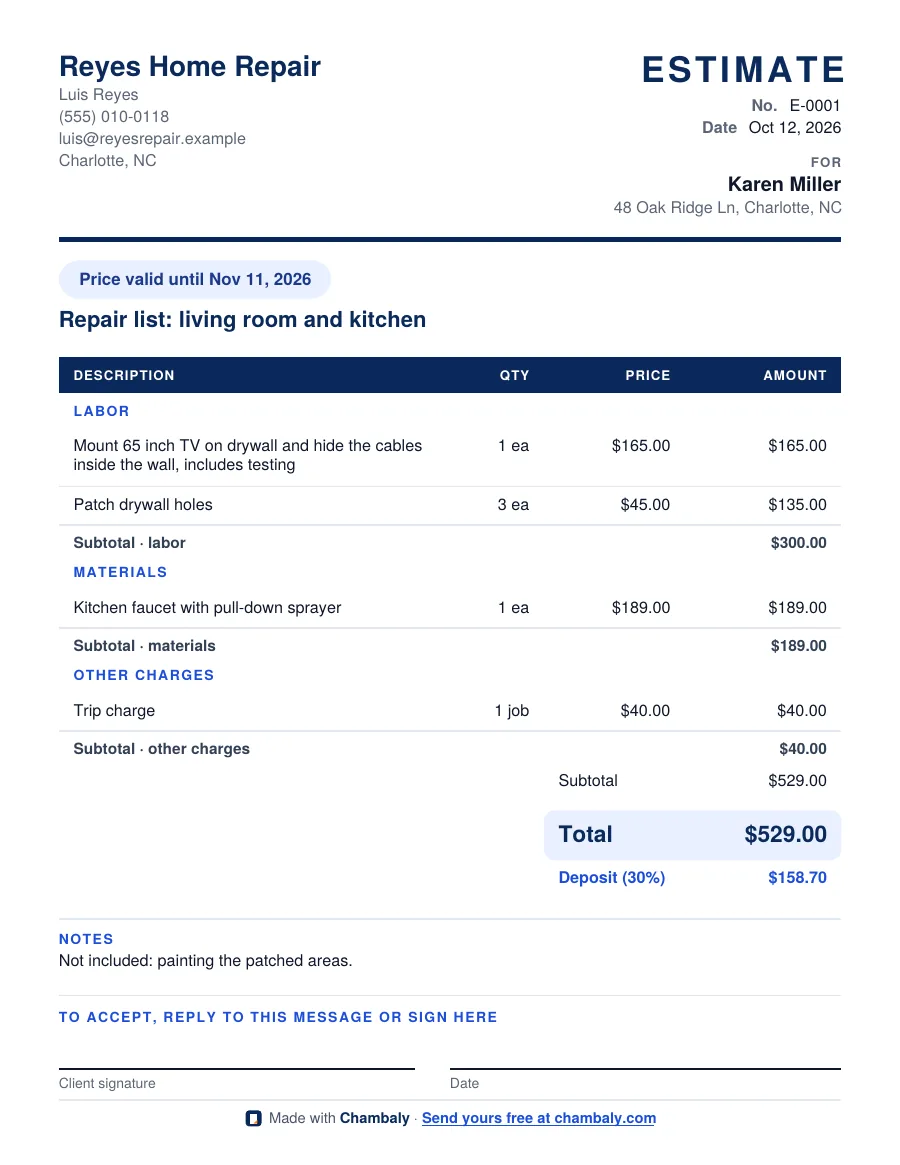
Fill in your business, your client and one line for each part of the job, then press Download PDF. You get a clean estimate with labor, materials and other charges split out, a total, an optional deposit and a signature line. It is free, there is no signup, and what you type stays in your browser.
The estimate can be in English or Spanish, whatever your client reads. Prices are always yours: the generator only does the math.
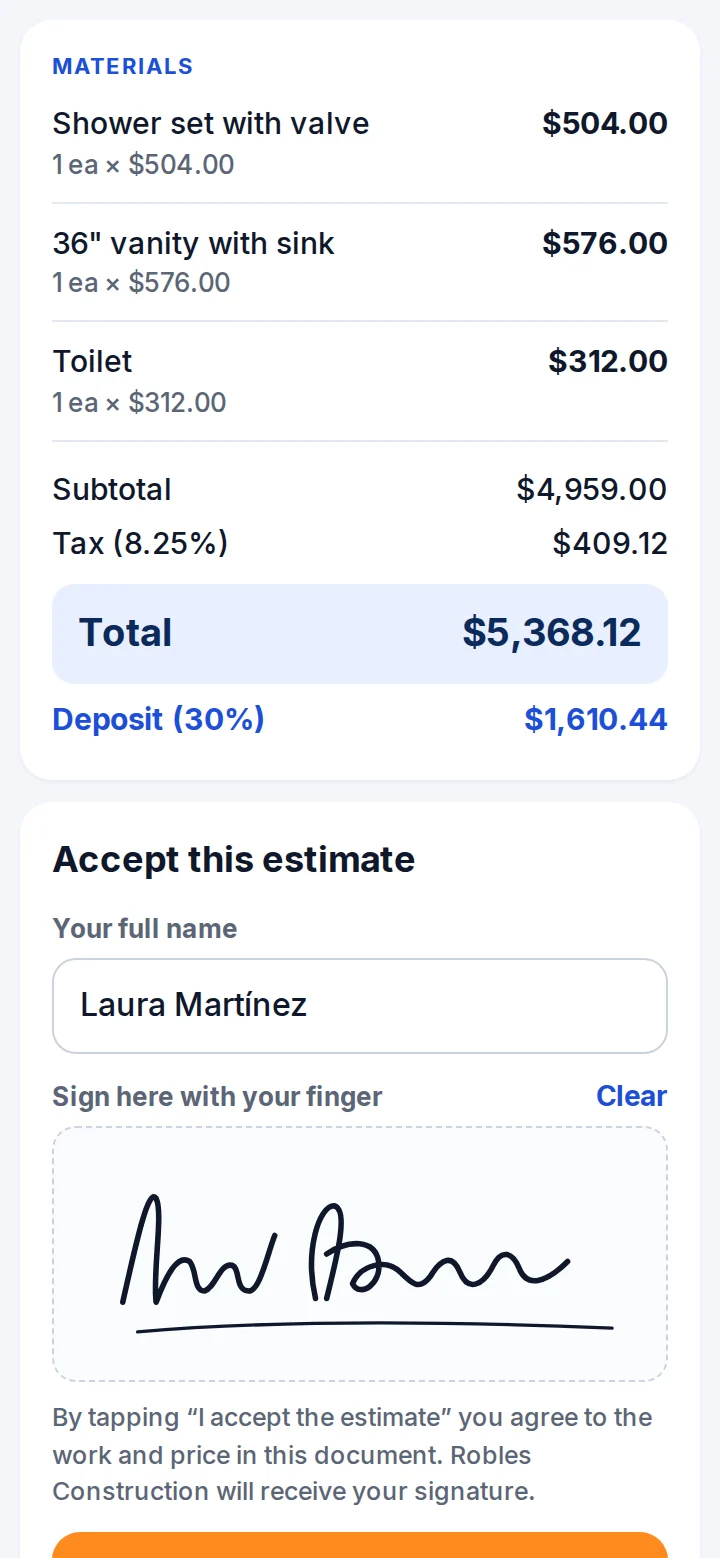
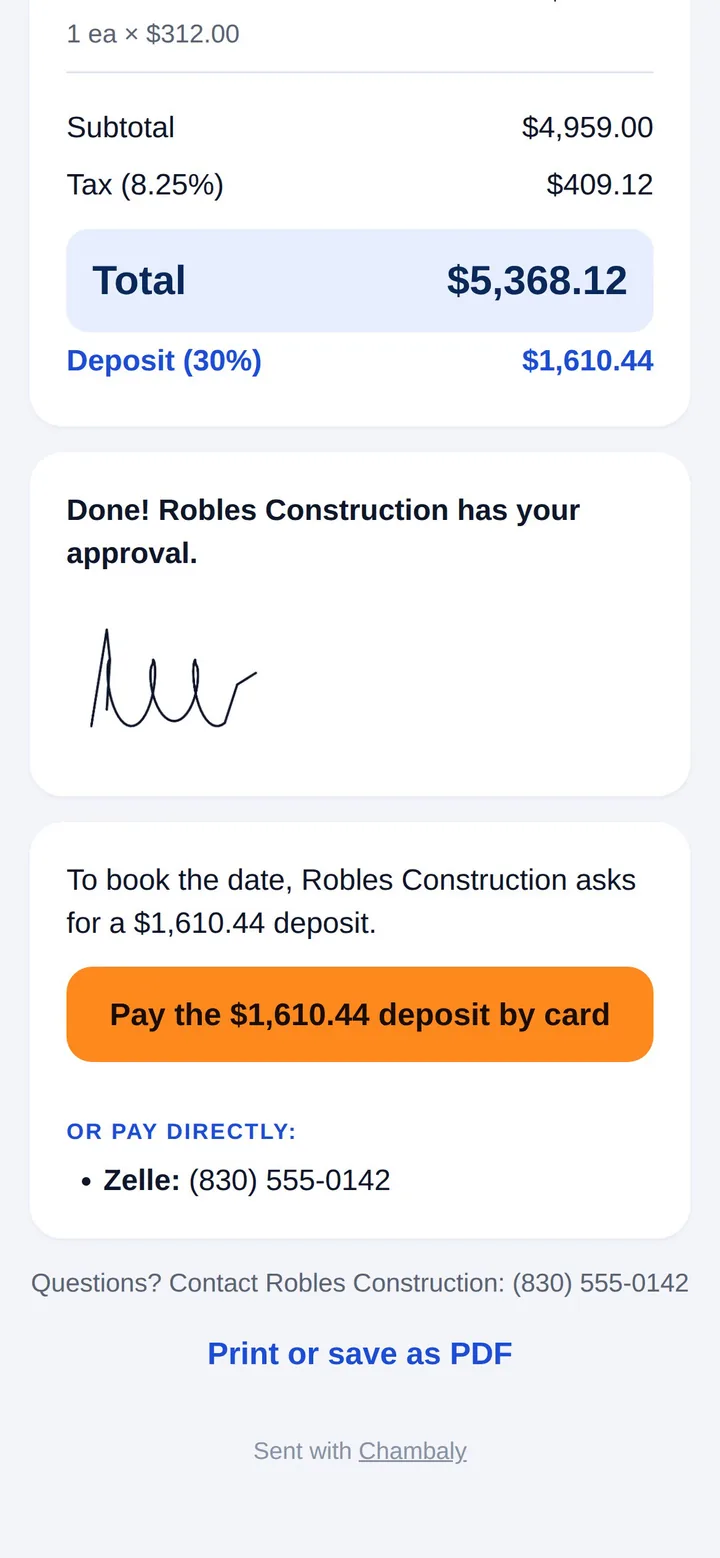
Your estimate is downloaded. Want to send it without retyping next time? In Chambaly you say the job out loud, the estimate builds itself, and your client can sign it and pay the deposit by card. Try Chambaly free.
What should an estimate include?
A good estimate answers every question before the client asks it:
- Who: your business name and contact, and your client's name and job address.
- What: one line for each part of the job, with quantity, unit and price. Labor, materials and other charges (like a trip charge or disposal) in their own sections.
- How much: subtotal, sales tax if it applies to your work in your state, the total, and the deposit you need to start.
- Until when: how long the price is good for, because material prices change.
- What's not included: anything the client might assume is part of the job.
- How to accept: a signature and date line.
For a full walkthrough, read how to write an estimate. Trade-specific examples: handyman, painting and videography.
Estimate, quote or bid: is there a difference?
In everyday use, most clients treat them the same: your price for the job before the work starts. Some trades use quote for a fixed price and estimate for a price that can change if the job changes. Whatever you call it, say clearly in the notes whether the price is fixed and what would change it.
What happens after the client says yes?
You do the work and send an invoice for the balance. If you took a deposit, the invoice shows it as already received. Our guide on how to make an invoice covers what it needs.
When is an app better than a generator?
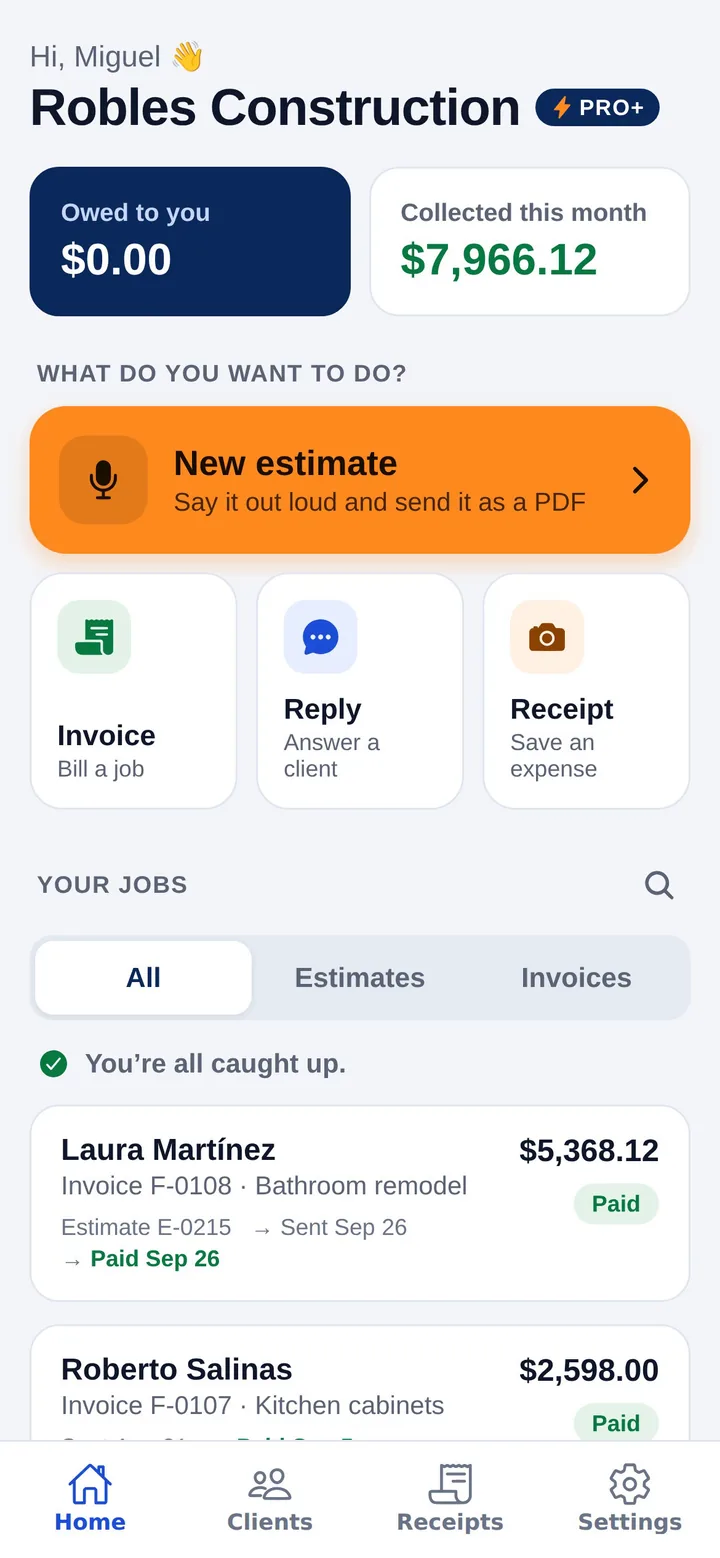
A generator is great for a one-off estimate. If you send estimates every week, retyping your business details and your usual lines gets old. In the Chambaly app you describe the job by voice in English or Spanish, AI builds the lines (and marks any price it suggests so you can check it), and you send the PDF by text, WhatsApp or email. Clients can sign it online, pay the deposit by card, and get a reminder if they are late, with Pro+. The free plan includes 3 estimates or invoices a month.
Questions
Is this estimate generator really free?
Yes. There is no signup, no trial and no watermark beyond a small "Made with Chambaly" line at the bottom of the PDF.
Do you keep what I type?
No. The PDF is made in your browser and nothing is sent to our server. Your last estimate is saved only in this browser so you can come back to it.
Can I make the estimate in Spanish?
Yes. Pick Spanish under "Estimate language" and the headings, sections and totals come out in Spanish. Your line descriptions print exactly as you type them.
Can I turn this estimate into an invoice?
Not in this generator yet. In the Chambaly app, you turn an accepted estimate into an invoice in one tap.
Get it signed and paid from their phone.
With Pro+, your client signs with a finger and pays by card or bank. The money goes to your bank account, and if they’re late, Chambaly reminds them for you.