Free Invoice Generator: Make a Professional PDF Invoice in Minutes
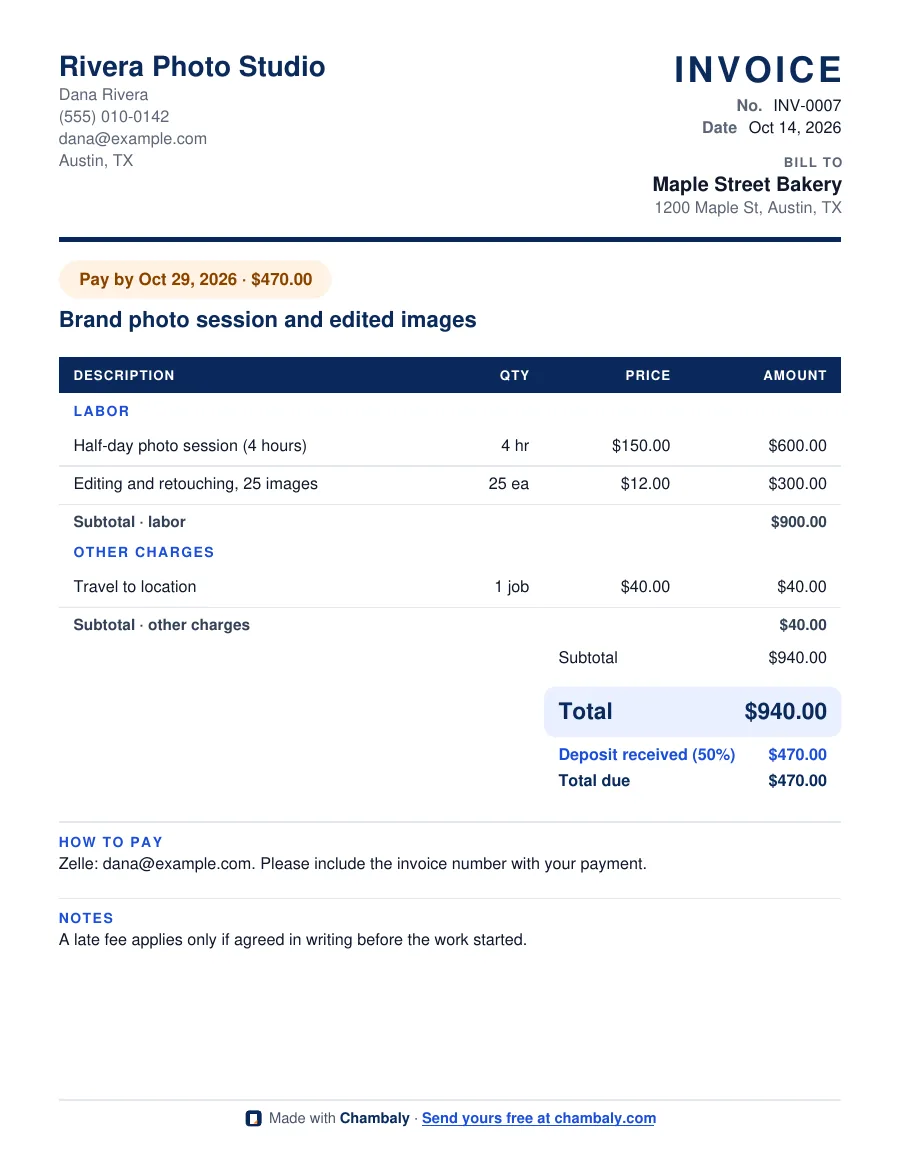
Fill in your business, your client and one line for each part of the job, then press Download PDF. You get a clean invoice with labor, materials and other charges split out, a total, any deposit you already received, the balance due, a pay-by date and how to pay you. It is free, there is no signup, and what you type stays in your browser.
The invoice can be in English or Spanish, whatever your client reads. Prices are always yours: the generator only does the math.
Your invoice is downloaded. Want to send it, take card payments and get reminders when a client is late, without retyping? In Chambaly you say the job out loud, send the invoice by text, WhatsApp or email, and clients can pay by card with Pro+. Try Chambaly free.
What should an invoice include?
An invoice is easier to pay when nothing is missing:
- Your business and the client: names and contact details, so it is clear who is billing whom.
- An invoice number and date: numbers in order, never repeated, so you and your client can find it later.
- What the work was: one line for each part of the job, with quantity, unit and price. Labor, materials and other charges in their own sections.
- The math: subtotal, sales tax if it applies to your work in your state, the total, any deposit already received, and the balance due.
- When to pay: a clear date, such as "Pay by Oct 29". An invoice without a date gets paid last.
- How to pay: Zelle, Venmo, Cash App, check, or a card link. Ask clients to include the invoice number.
For the full walkthrough, read how to make an invoice. Started with an estimate first? Use the free estimate generator, then copy the same lines here and enter the deposit as already received.
How do you invoice for a deposit?
If the client paid a deposit before the work, keep the full job total on the invoice, then show the deposit as received and bill only the balance. That way the invoice matches the estimate they accepted, and the client can see that the deposit counted. In this generator, enter the deposit percent in "Deposit already received" and the PDF shows both the deposit and the total due.
What does "Net 15" or "Net 30" mean?
It means the client has 15 or 30 days from the invoice date to pay. In this generator, type the number of days in "Payment due in" and the PDF prints a "Pay by" date and the amount due. Use 0 if you want to leave the date off.
Do I need to charge sales tax on an invoice?
It depends on your state and on the kind of work. Some states tax services and some do not. Check with your state tax agency or an accountant before you add it, and use the sales tax field only if it applies. The IRS has a plain overview of what independent contractors report on its independent contractor page. This is not tax advice.
When is an app better than a generator?
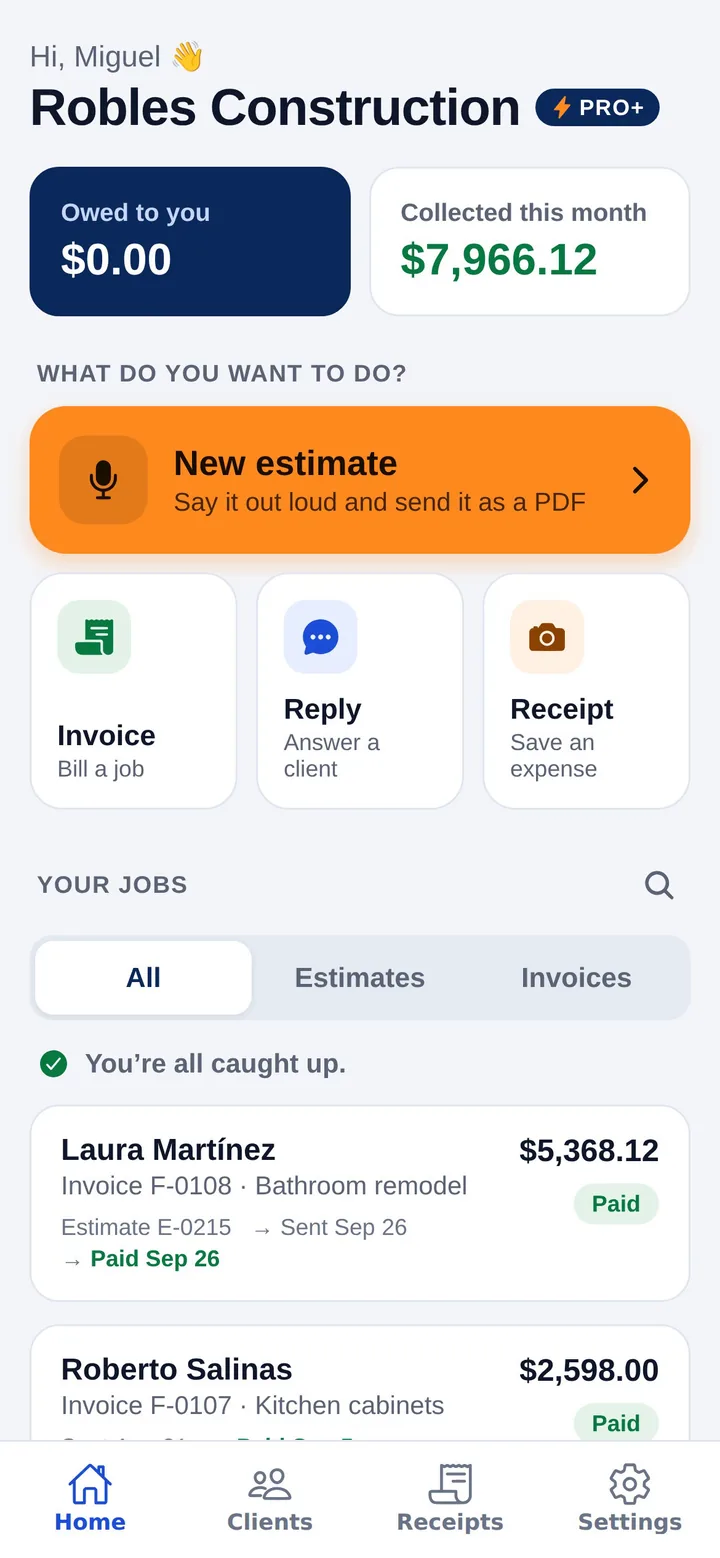
A generator is great for a one-off invoice. If you bill every week, retyping your details and your usual lines gets old, and so does chasing late payments. In the Chambaly app you describe the job by voice in English or Spanish, send the invoice by text, WhatsApp or email, and turn an accepted estimate into an invoice with one tap. Pro+ adds a card payment button on the invoice and automatic reminders. The free plan includes 3 estimates or invoices a month. See how to collect overdue invoices if a client is already late.
Questions
Is this invoice generator really free?
Yes. There is no signup, no trial and no watermark beyond a small "Made with Chambaly" line at the bottom of the PDF.
Do you keep what I type?
No. The PDF is made in your browser and nothing is sent to our server. Your last invoice is saved only in this browser so you can come back to it.
Can I make the invoice in Spanish?
Yes. Pick Spanish under "Invoice language" and the headings, sections and totals come out in Spanish. Your line descriptions print exactly as you type them.
Can I add a payment link or accept cards here?
Not in this generator. You can type Zelle, Venmo or check instructions under "How to pay". In the Chambaly app, Pro+ invoices include a button for clients to pay by card.
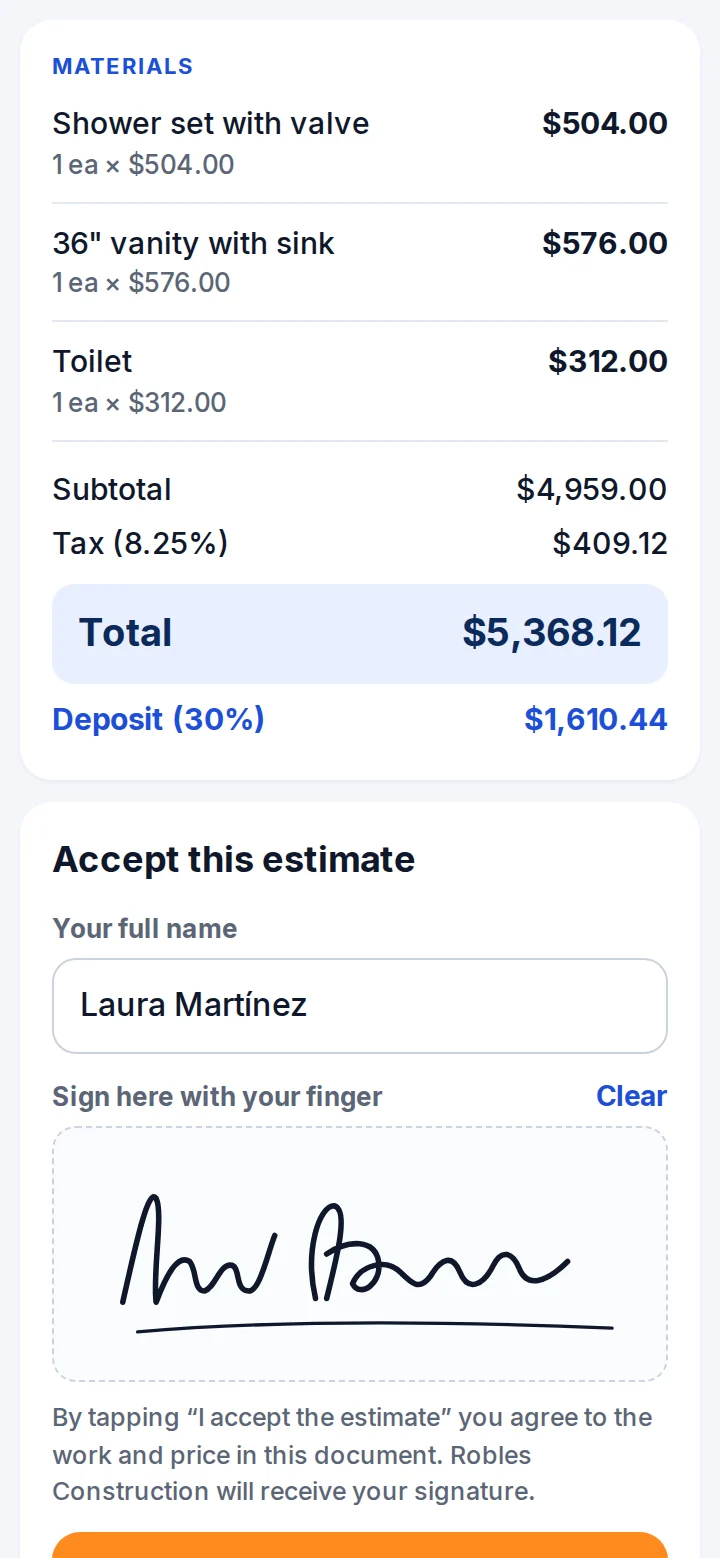
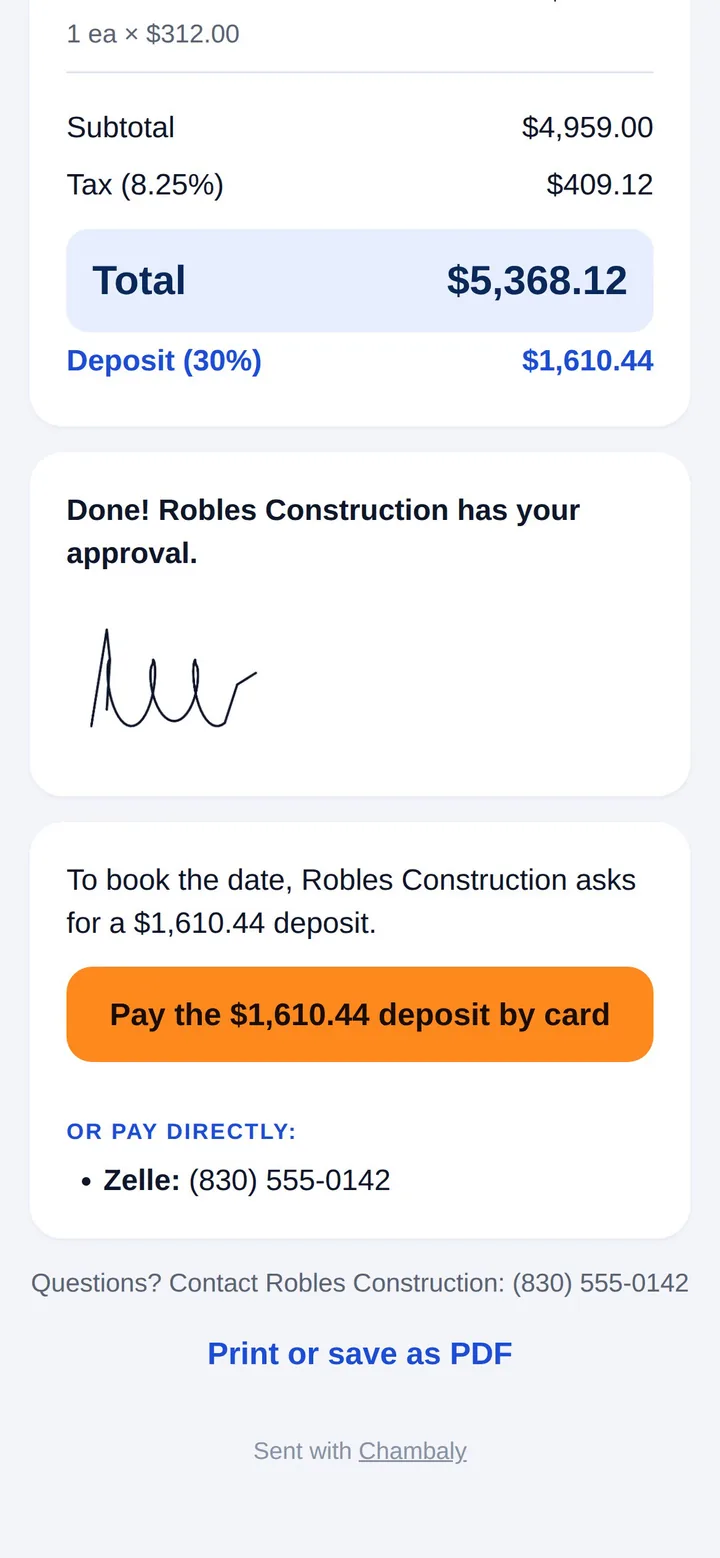
Get it signed and paid from their phone.
With Pro+, your client signs with a finger and pays by card or bank. The money goes to your bank account, and if they’re late, Chambaly reminds them for you.